You can attend a webinar directly on the Knowledge Lab Nigeria platform by following these easy steps:
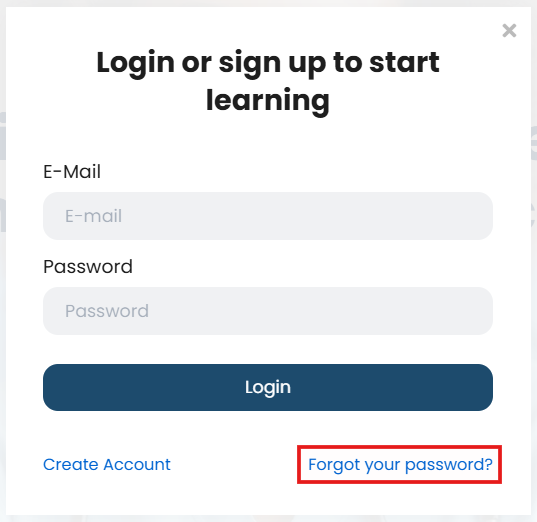
1. Visit Knowledge Lab Kenya and ‘Sign up’ to register your
account (once-off) or ‘Sign in’ to your existing account.
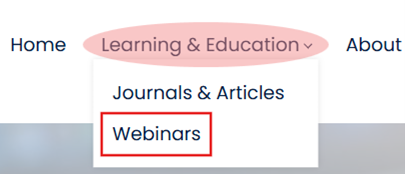
2. Click on ‘Learning & Education’ on the navigation bar (top) and select ‘Webinars’ from the drop-down list to view the available webinars.
3. Click on ‘Enroll’ on the webinar activity that you want to attend.
(You will be directed to the activity page)

4. Click on ‘Register for free!’ to enroll to the webinar activity.
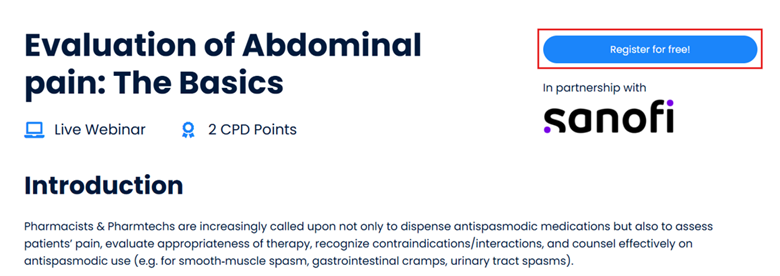
A notification will pop-up confirming your enrolment / registration to the webinar activity.

5. Click on ‘Continue’ to access the activity.
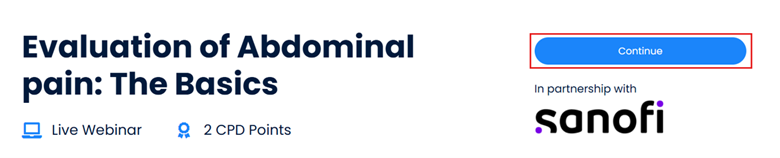
You will
be directed into the activity to access from where you will join the webinar
and access any addition info or material (if applicable).
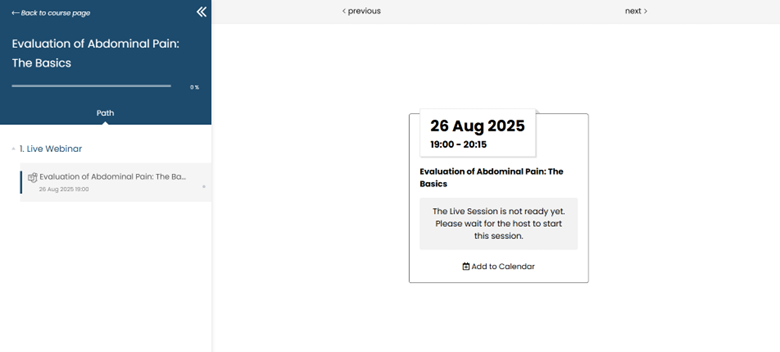
Take
note that the link to join the live session won’t be available until it’s timeto join in.
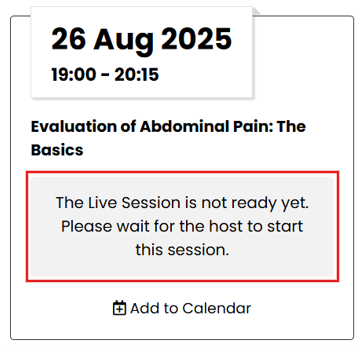
6. When the live session is ready, click on ‘Join Live Session’ to join the webinar.
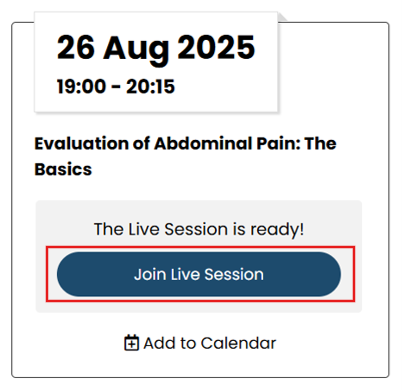
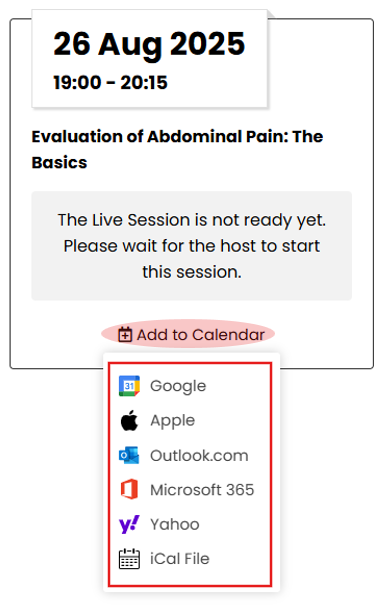
Alternatively, you can download and add the link to join to your Mailbox calendar by clicking on ‘Add to Calendar’ and selecting the calendar of your choice.